Thank you for choosing Avidon Health, we're excited to have you join our platform! Let’s get you registered so you can finish your profile and get started right away.
If you've already downloaded the app, then you're ready to begin setting up your account with step 1. If you haven't downloaded the app yet, check out this article and then come back here.
Step 1: Set Up Your Account
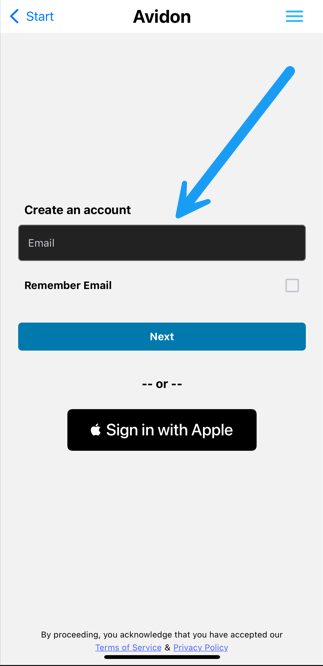
- Within the app, click "Create Account".
- Enter your email address and choose a secure password.
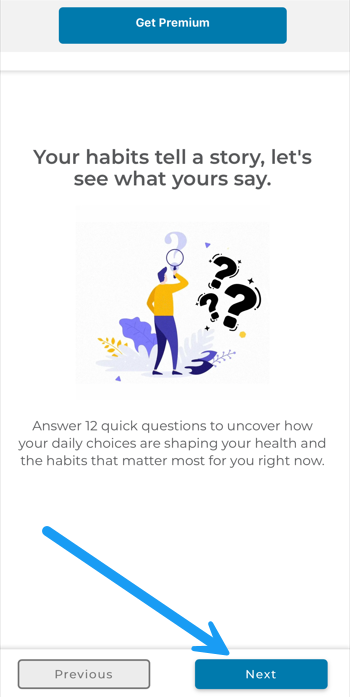
- When you see "Welcome to Avidon," you're on your way to success. You can choose to upgrade to premium at this stage or any time thereafter.
- Fill out the questionnaire to receive a customized overview and to assist us in calculating your Health Age.
Step 2: Complete Your Profile
To tailor your experience, please complete your profile by filling in the following:
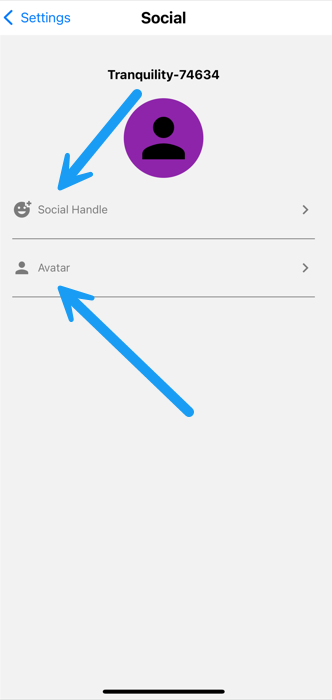
- First and Last Name—Your handle will be displayed when engaging in group challenges or team activities
- Avatar—Choose an avatar image and color
Be sure to save each piece of information as you fill it out before moving on to the next field.
Step 3: Explore Settings and Get Started
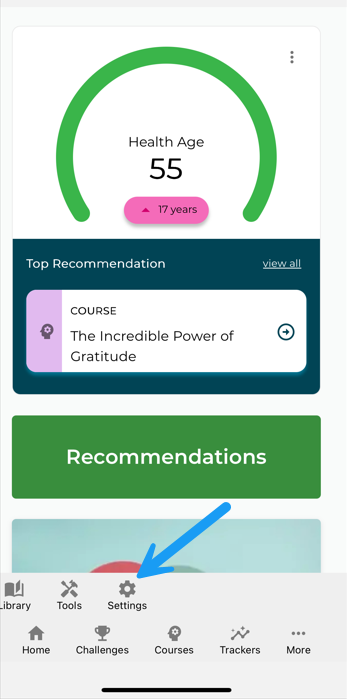
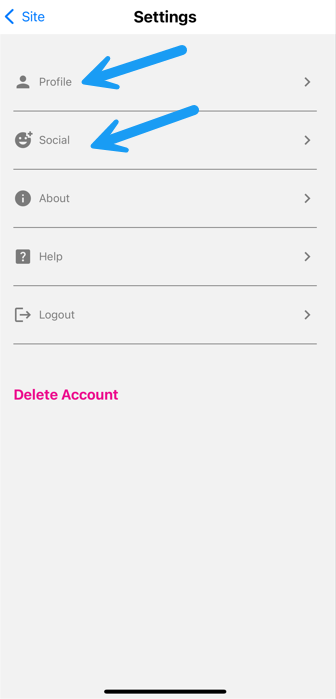
After completing your profile, navigate to Menu > Settings > Profile at any time to:
- Modify your name, social handle, or avatar
- Update your password or email address
- Control your notification and privacy settings
- Utilize the "Help" feature to navigate to our platform and submit a ticket if you experience any challenges with the mobile app
Once your profile is ready, take a moment to explore!
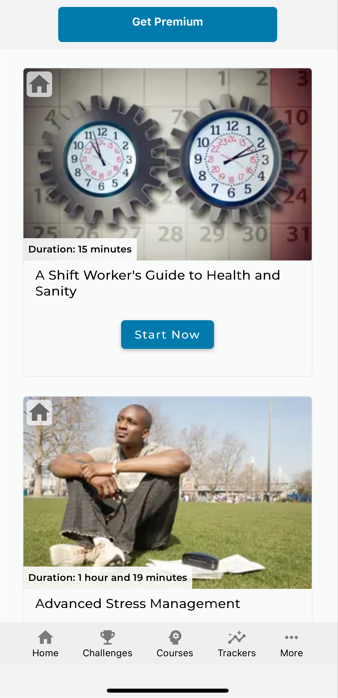
Check out the available Courses
- Upgrade your account to premium and customize your experience
- Synchronize your devices to start utilizing the in-app trackers to monitor your progress, activity or goals
- Participate in group or individual Challenges
Was this article helpful?
That’s Great!
Thank you for your feedback
Sorry! We couldn't be helpful
Thank you for your feedback
Feedback sent
We appreciate your effort and will try to fix the article